Laser troubleshooting, setup help, and community fixes FAQ, discussions, downloads, materials, and ticket guidance
Support and community hub

One place for laser answers.

Search Monport laser fixes, browse the preserved FAQ, ask the community, compare material settings, download checklists, and collect the right details before opening a ticket.
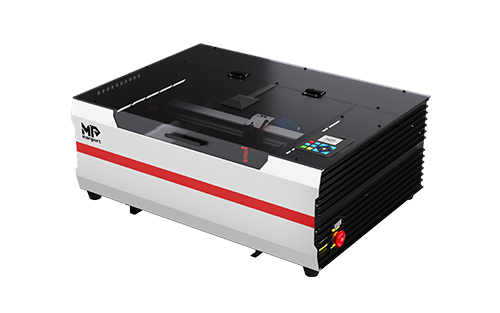
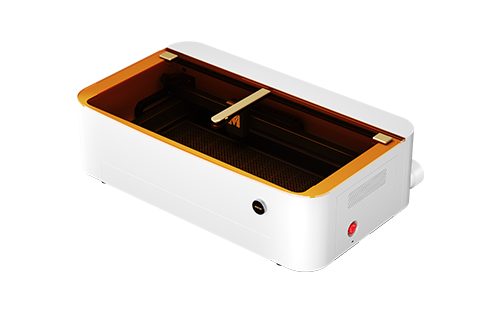
Monport Reno desktop CO2 laser
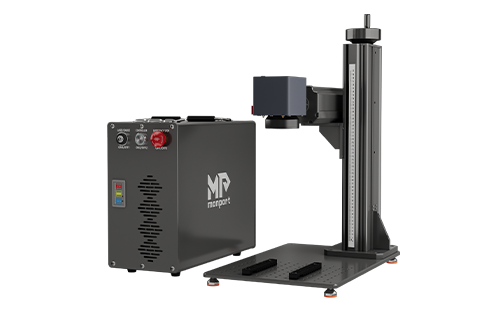
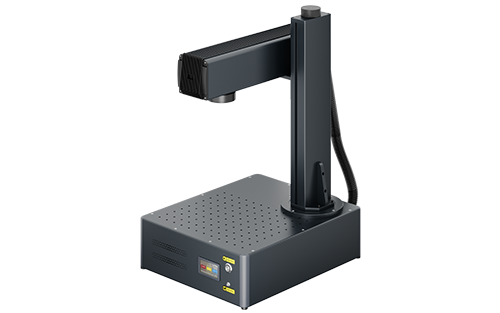
Monport GA fiber laser
Choose model - get a fix pathCO2, fiber, LightBurn, cooling, focus, and alignment
Start with the fastest path.

The site now routes users through public answers first: search, FAQ, community, resources, then ticket intake when a private support case is needed.

Open resource hub
01

Search everything

Search FAQ articles, model hubs, community posts, downloads, materials, and support pages.

Open search ->
02

Use the FAQ

Pick your series, choose a model, and follow clear Problem/Solution troubleshooting.

Open laser FAQ ->
03

Ask the community

Post model-specific issues, share photos, mark solved answers, and keep fixes public.

Ask a question ->
04

Prepare a ticket

Collect photos, videos, order info, and settings only after public fixes are checked.

Prepare ticket ->

Support by machine type

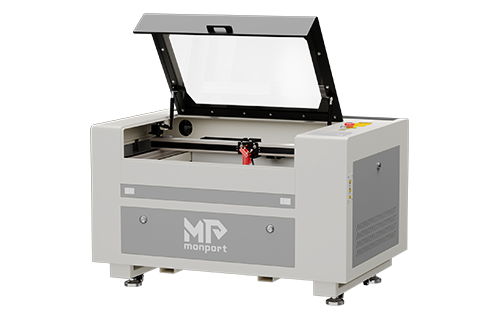
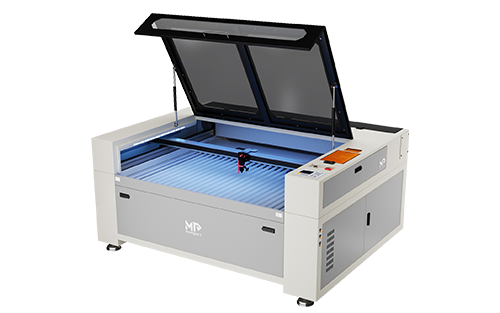
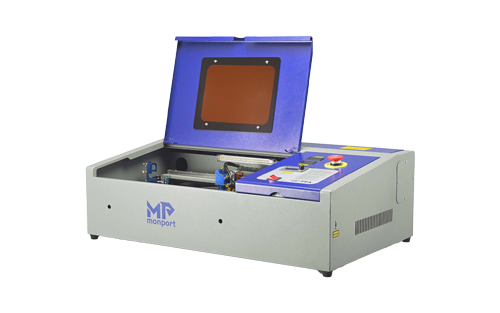
These cards use official Monport product imagery and guide users into the FAQ by category.

Traffic and trust loop

Make answers public before they become tickets.

Every useful fix should become searchable: a FAQ article, a solved community thread, a model hub link, or a downloadable checklist.

Open community hub

Best support flow

Search first: find existing FAQ articles, solved threads, and model hubs.
Ask publicly: post model, photos, settings, and what changed.
Use resources: download checklists, material grids, and LightBurn helpers.
Submit cleanly: include order info and what has already been tried.

Built to grow traffic and members.

These are the hub features that keep useful laser knowledge public, searchable, and worth returning to.